Since 2004
Election Options
Outreach and Analysis
The Campaigns tool lets you track ads and other sources of visitors to your site, letting you assess the benefits of publicity across venues.

Consider the many venues in which you might want to place publicity. Each can have its own URL, which keeps track of how many visitors arrive from that individual ad, flyer, poster...

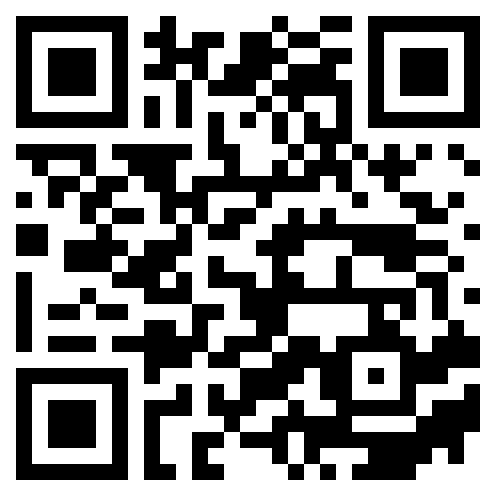
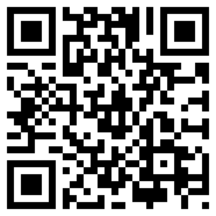
Links are generated automatically when you create a campaign, including a text link and a parallel QR code that you can add to other media. The adjacent examples will take you to our home page with a simple welcome.
Creation and Use

Suppose we want to place links to our site on Facebook and on a site operated by our supporter, Steve. To procedure is straightforward; just fill in a form.
  1. We define each campaign with a title and a unique code, e.g., "Facebook1,facebook1" and Steve1, steve1)". We add the number in case we want to create a second campaign in each venue. We save the identify as a new campaign, and the system returns a larger form with the identity pre-filled.
  2. The campaign is already fully functional in terms of tracking visitors, but we'll want to add more. Importantly, the new campaign already has a URL (similar to https://ElectionOptions.com/@Sample and a QR code like the one on this page. We can test the result, which will load our website with a simple welcome message, and we'll also be able to examine the campaign report, which will have tallied one visitor.
  3. Now we'll add more information.
    • a venue (where the ad/link is placed)
    • a welcome message for any visitors sent from that link (e.g., Welcome, Facebook User!
    • control data, such as start and end dates, group (to track related campaigns), secondary link (where we'd like to send the visitor after arrival) and more
    • the welcome message and other messages in case a visitor arrives before the start or after the end date
    • a little secret sauce
Your message will be displayed on the landing page of your site—usually the home page, whereupon the user can explore the site as would any other visitor. A simple tally is recorded. By using multiple campaigns the relative impact of each placement can be assessed.

Reporting

The tally or tallies are reported inside the Editng Suite, where you can manage all your tools from one place.